
Saudia Ticket Check: How To Check Your Saudi Airlines Flight Booking Status?

Last updated: Jun 3, 2026

Booked a flight with Saudia? You can confirm your ticket, retrieve your booking and check your flight in minutes — online, on the app, or by your booking reference.

Here’s how to check your Saudia ticket and PNR status.

How To Check Your Saudia Ticket Online

You can check your Saudia bookings on the airline’s official website or app. Whether you’re flying from Jeddah, Riyadh or Madinah, the steps are the same.

Via Booking Reference Number

To check your ticket using your booking reference number:

  • Go to the Manage Booking page
  • Enter your booking reference number
  • Type in your last name
  • Click the arrow button to confirm your request

Via E-Ticket Number

To check your ticket using your e-ticket number:

  • Go to the Manage Booking page
  • Enter your e-ticket number, which usually starts with 065
  • Type in your last name
  • Click the arrow button to confirm your request

Via the Saudia App

The Saudia app lets AlFursan members view trips, manage bookings, check in and follow their flight status. To check a ticket:

  • Download the Saudia app (Android or iOS)
  • Log in with your AlFursan account credentials
  • Open your booking history and tap the trip you want to check
  • Your ticket details appear, including:
    1. Booking reference number
    2. Flight details (departure and arrival cities, date, time, flight number)
    3. Passenger information
    4. Payment details
    5. Baggage allowance

You can also use the app to check in before your flight.

Understanding Your PNR Status

Your PNR (Passenger Name Record) is the six-character booking reference tied to your reservation. Checking it tells you whether your seat is confirmed or waitlisted, along with your flight details.

The same PNR is shared by everyone booked together — it identifies the reservation, not individual passengers.

To check your PNR status:

  • Go to the Manage Booking page
  • Enter your booking reference (PNR) and last name
  • Confirm to view your reservation status and itinerary

Your PNR appears on your confirmation email and e-ticket.

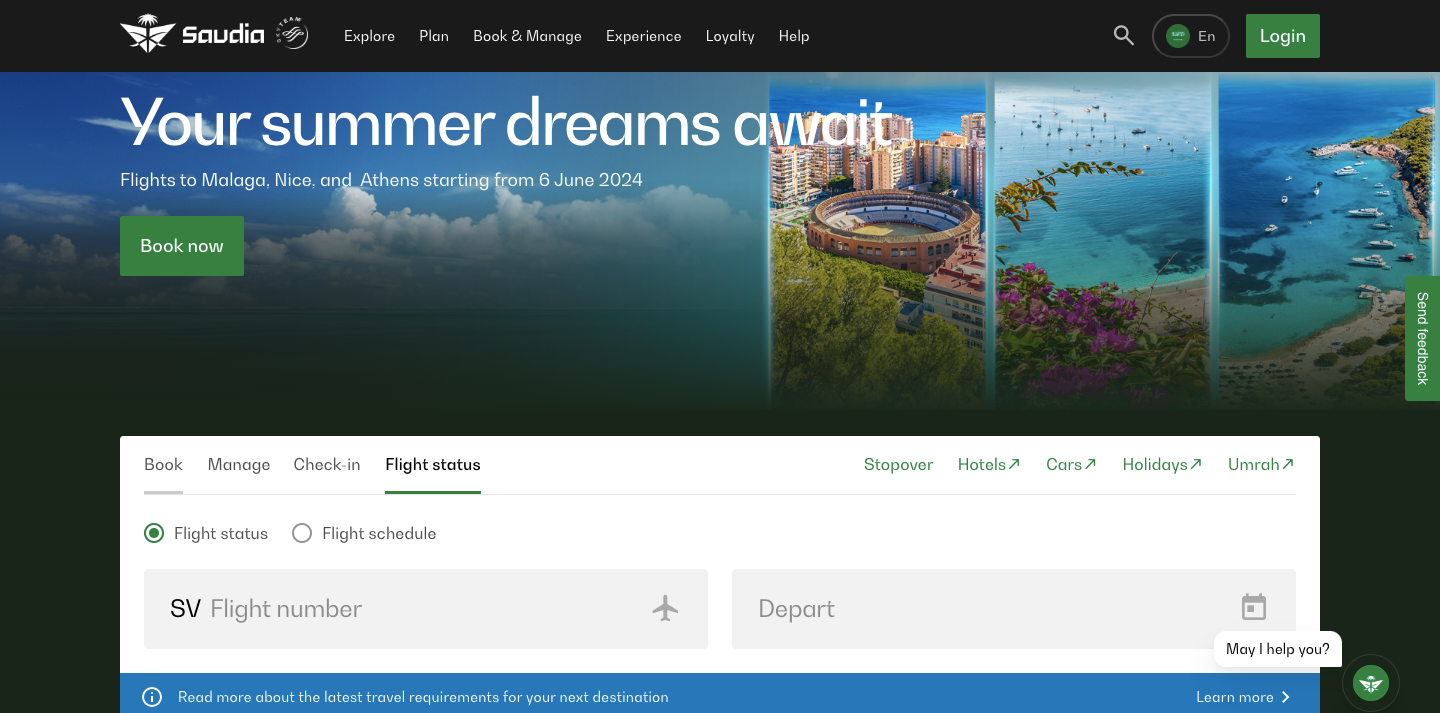
Checking Your Flight Status

Checking your flight status is separate from your booking — it tells you whether a specific flight is on time, delayed or cancelled. To check it:

  • Go to the Flight Status page
  • Search by route (departure and arrival cities) or by flight number
  • Enter your travel date to see live departure and arrival times

Check from around 24 hours before departure for the most reliable updates.

Frequently Asked Questions

Why can’t I find my Saudia booking online?

This usually happens when the last name doesn’t match the booking exactly, the booking reference is mistyped, or a recently issued ticket hasn’t synced yet. Enter your surname as shown on the ticket, avoid extra spaces, and try again shortly after booking.

Can I check a ticket booked through a travel agent?

Yes. Use the airline booking reference on the Manage Booking page. If it doesn’t appear, the agent may hold the booking under their own system — contact them for your Saudia reference.

What is the difference between PNR status and flight status?

Your PNR status shows whether your seat is confirmed or waitlisted. Flight status shows whether the aircraft is on time, delayed or cancelled. They are checked through two different tools.

Sources

  1. Saudia — Manage Booking
  2. Saudia — Flight Status
  3. Saudia — Reservation and Ticketing Services FAQ
  4. Saudia — About the AlFursan Program
  5. Saudia — Web Check-in
  6. Google Play — Saudia app for Android
  7. Apple App Store — Saudia app for iOS
  8. SkyTeam — SAUDIA / AlFursan profile

Disclaimer: Wego strives to ensure all information presented in this article is accurate and up to date at the time of publication. Travel policies, prices, visa requirements, and conditions can change rapidly. We strongly recommend verifying critical details with official sources before making travel decisions. Wego does not accept liability for any inaccuracies, oversights, or changes that may occur after publication.

Wego Travel

Wego Travel

Wego Travel

Wego Travel

Wego
Save Up to US$25 on Flights with Wego Promo Codes
View Deal ›