

This article has been reviewed by Wego’s editorial team to ensure that the content is up to date & accurate.
Reviewed January 2025
Key takeaways
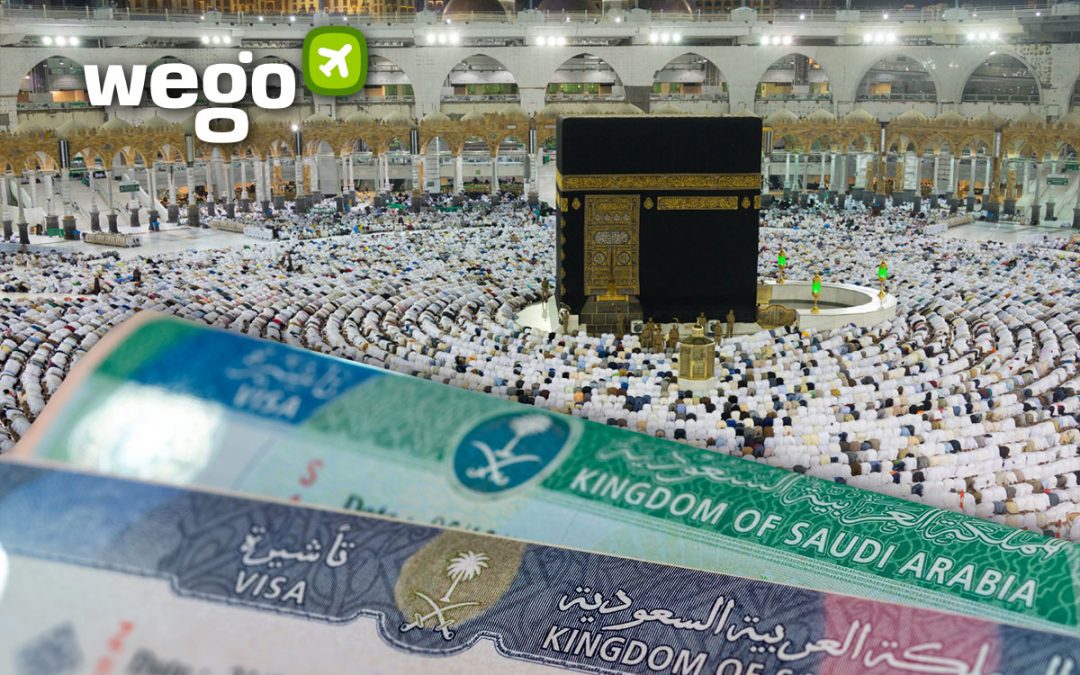
You can check your Umrah visa status and validity online through the Ministry of Foreign Affairs (MOFA) portal.
Use your passport number as the primary search criterion to access your visa details.
Results may show if the visa is available, submitted, or pending at the Saudi Embassy.
How to check your Umrah visa status & validity online?
Follow the steps below to check the status and validity of your Umrah visa online using your passport number:
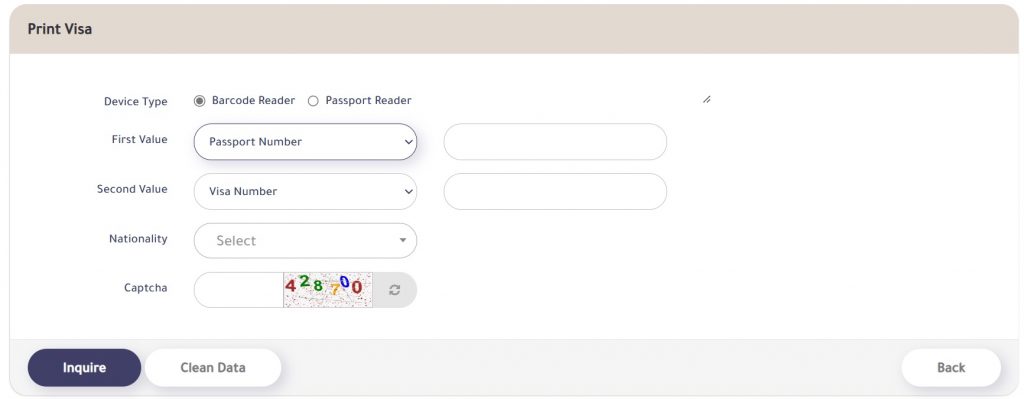
© mofa.gov.sa
- Visit the Ministry of Foreign Affairs (MOFA) portal
- Select the barcode option
- Choose “Passport Number” and “First Name” as your search criteria
- Enter your passport and visa numbers
- Select your nationality
- Input the captcha code
- Click “Inquire”
- A new window will display your Umrah visa status and validity
- You can print or save your visa application as a PDF
- The portal will reflect different results based on the status of your application
- If your application has not yet been submitted to the Saudi Embassy, the screen will display: “No Umrah Visa Request Available”
- If your application is yet to be stamped at the Saudi Embassy, the screen will display: “The Umrah Visa Request sent to Embassy”
- The portal will reflect different results based on the status of your application

[Total: 127 Average: 4.8]